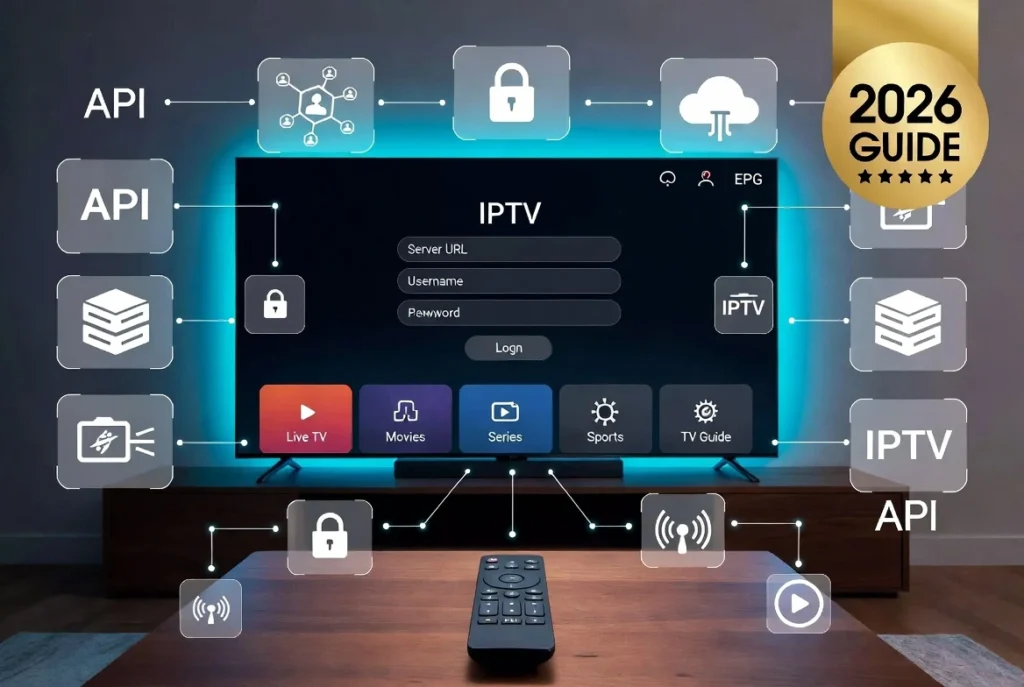
Xtream Codes Guide 2026: What It Is, How It Works, API, Login, Setup & Complete IPTV Tutorial
Discover everything about Xtream Codes, including API login, setup guides, supported IPTV players, Firestick installation, troubleshooting tips, and M3U comparison.
Xtream Codes is one of the most widely used IPTV authentication systems in the world. Instead of manually importing an M3U playlist, users simply enter a Server URL, Username, and Password into their IPTV player. The application then connects to the IPTV provider’s server through the Xtream Codes API, automatically downloading live TV channels, movies, TV series, channel categories, Electronic Program Guide (EPG), and other account information.
This login method has become the preferred choice for millions of IPTV users because it is faster, easier to manage, and more reliable than manually updating playlists. Whether you use IPTV Smarters Pro, TiviMate, OTT Navigator, XCIPTV, Televizo, ELK Player, or another compatible player, Xtream Codes simplifies the setup process while keeping your playlists synchronized with your IPTV provider.
Note: Xtream Codes is an IPTV login method only. It does not provide TV channels, movies, or IPTV subscriptions. You must have an IPTV subscription from your own provider to use Xtream Codes.
What is Xtream Codes?
Xtream Codes is one of the most widely used IPTV authentication systems in the world. Instead of manually importing an M3U playlist, users simply enter a Server URL, Username, and Password into their IPTV player. The application then connects to the IPTV provider’s server through the Xtream Codes API, automatically downloading live TV channels, movies, TV series, channel categories, Electronic Program Guide (EPG), and other account information.
This login method has become the preferred choice for millions of IPTV users because it is faster, easier to manage, and more reliable than manually updating playlists. Whether you use IPTV Smarters Pro, TiviMate, OTT Navigator, XCIPTV, Televizo, ELK Player, or another compatible player, Xtream Codes simplifies the setup process while keeping your playlists synchronized with your IPTV provider.
What Xtream Codes Login Looks Like
Most IPTV players provide a simple login screen where you enter your Server URL, Username, and Password.
What is Xtream Codes API?
The Xtream Codes API is the communication layer between your IPTV player and your provider’s IPTV server. Once authenticated, the API retrieves all available content, including:
Live TV channels
Video on Demand (VOD)
TV Series
Channel logos
EPG (TV Guide)
Favorites
Catch-up TV (if supported)
Subtitles
Audio tracks
Because all information is retrieved directly from the server, changes made by your IPTV provider—such as new channels or updated EPG data—can appear automatically without needing to replace an M3U playlist.
How Xtream Codes Works
The authentication process is straightforward:
Install an IPTV player that supports Xtream Codes.
Select Login with Xtream Codes API.
Enter:
Server URL
Username
Password
The player verifies your credentials with the IPTV server.
After successful authentication, it downloads playlists, categories, VOD, and EPG.
Unlike M3U playlists, there is no need to manually refresh links every time your provider updates the service.
How Xtream Codes Connects to Your IPTV Provider
Xtream Codes acts as the authentication bridge between your IPTV player and the provider’s server.
Xtream Codes vs M3U
Feature
Xtream Codes
M3U Playlist
Easy Login
✅
❌
Automatic Updates
✅
❌
Built-in EPG
✅
Manual in many cases
Categories
✅
Basic
VOD Support
✅
Depends
User-Friendly
✅
Moderate
Setup Time
Very Fast
Longer
For most users, Xtream Codes provides a better overall experience because everything is synchronized automatically.
Supported IPTV Players
Xtream Codes is compatible with many IPTV applications, including:
IPTV Smarters Pro
TiviMate
OTT Navigator
Televizo
XCIPTV
ELK Player
Smart IPTV
Flix IPTV
Net IPTV
Duplex IPTV
SET IPTV
Sparkle TV
Kodi
VLC
Supported Devices
You can use Xtream Codes on:
Fire TV Stick
Fire TV Cube
Android TV
Google TV
Samsung Smart TV (Tizen)
LG Smart TV (webOS)
Chromecast
Android TV Box
Windows PC
Mac
Android smartphones
iPhone
iPad
Apple TV
MAG Box
Formuler devices
Xtream Codes on Multiple Devices
Xtream Codes works across a wide range of devices and operating systems.
Common Xtream Codes Errors
Some of the most common issues include:
Login Failed
Incorrect username or password
Wrong Server URL
Expired IPTV subscription
Authentication Failed
Invalid credentials
Account disabled
Provider-side authentication issue
No Channels
Refresh the playlist
Restart the player
Contact your IPTV provider
EPG Not Working
Refresh the TV Guide
Verify the provider supplies EPG
Allow time for the guide to update
Buffering or Freezing
Use a stable internet connection
Restart your router
Clear the app cache
Enable hardware acceleration (if available)
Use Ethernet instead of Wi-Fi when possible
Is Xtream Codes Safe?
Xtream Codes itself is simply an authentication technology. Its safety depends on the IPTV provider you use and the security of your device. Use trusted IPTV applications, protect your login credentials, and keep your apps updated.
Is Xtream Codes Legal?
Xtream Codes is a software platform and API rather than a content provider. The legality of using it depends on whether your IPTV provider has the rights to distribute the content being streamed. Always comply with the laws applicable in your country.
Frequently Asked Questions
What is Xtream Codes?
Xtream Codes is an IPTV login system that authenticates users with a Server URL, Username, and Password.
How do I get Xtream Codes?
Your IPTV provider supplies your login credentials after you purchase a subscription.
What is Xtream Codes API?
It is the API that allows IPTV players to access live TV, VOD, series, and EPG from an IPTV server.
Which IPTV players support Xtream Codes?
Popular options include IPTV Smarters Pro, TiviMate, OTT Navigator, Televizo, XCIPTV, ELK Player, and many others.
Which is better: Xtream Codes or M3U?
For most users, Xtream Codes is easier to configure, automatically updates playlists, and integrates EPG more seamlessly.
Can I use Xtream Codes on Firestick?
Yes. It is supported on Firestick, Android TV, Google TV, Samsung TVs, LG TVs, Windows, macOS, iPhone, iPad, and other compatible devices.
Conclusion
Xtream Codes has become one of the most popular IPTV authentication methods because it combines simplicity, speed, and automation. Instead of managing long playlist URLs, users only need three pieces of information—Server URL, Username, and Password—to access their IPTV service. With automatic synchronization of channels, movies, series, and EPG, it offers a more streamlined experience than traditional M3U playlists.
Whether you’re setting up IPTV on a Firestick, Android TV, Samsung Smart TV, LG webOS, or another compatible device, choosing a player that supports Xtream Codes can make installation and ongoing maintenance much easier. By understanding how the Xtream Codes API works and following best practices for security and troubleshooting, you can enjoy a more reliable IPTV experience while making the most of your provider’s features.