
If you’ve ever wondered what is EPG in IPTV, you’re not alone. One of the most common questions among IPTV users is why some playlists display only channel names while others show a complete TV schedule with current and upcoming programs.
The answer is Electronic Program Guide (EPG).
An IPTV EPG transforms a basic channel list into a modern television experience by displaying program names, schedules, descriptions, and what’s coming next. Whether you use IPTV Smarters Pro, TiviMate, OTT Navigator, Televizo, XCIPTV, Smart IPTV, IBO Player, ELK Player, Flix IPTV, Kodi, or VLC, configuring an XMLTV EPG URL significantly improves your viewing experience.
In this complete IPTV EPG Guide, you’ll learn:
- What is EPG?
- What is XMLTV?
- How IPTV EPG works
- How to add EPG to IPTV
- How to add XMLTV to IPTV Smarters Pro
- Best EPG sources for IPTV
- How to fix IPTV EPG not working
- Common EPG errors and solutions
Images Used in This Guide
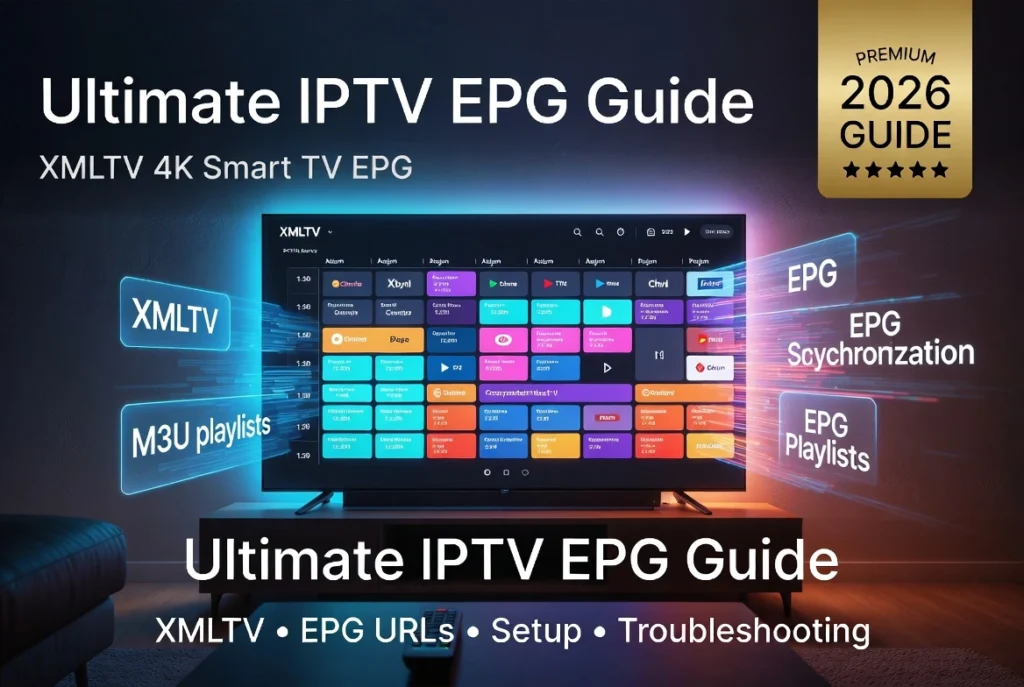
A modern Smart TV displaying a colorful IPTV Electronic Program Guide (EPG) interface with program schedules.

What is EPG?
EPG (Electronic Program Guide) is the digital TV guide used by IPTV services.

Instead of showing only channel names, an IPTV EPG displays:
- Current program
- Upcoming programs
- Broadcast schedule
- Program descriptions
- Start and end times
- Categories
- Channel logos
Without an EPG, IPTV becomes much harder to navigate.
IPTV EPG Meaning
Many users search:
- EPG IPTV meaning
- What is the EPG on IPTV?
- What is IPTV EPG?
Simply put:
An IPTV EPG is a TV schedule database that tells your IPTV player what program is currently airing and what comes next.
How IPTV EPG Works
An IPTV player downloads two files:
1. IPTV Playlist
Usually:
- M3U
- M3U8
- Xtream Codes
This file contains channels.
2. XMLTV File

This file contains:
- Program schedules
- TV guide information
- Descriptions
- Logos
- Categories
The IPTV player matches both files using TVG ID.
What is XMLTV?
XMLTV is the most common format used to deliver IPTV guide information.
An XMLTV file contains:
- Channel IDs
- Program titles
- Air dates
- Start times
- End times
- Categories
- Descriptions
Most IPTV players support XMLTV.
XMLTV vs EPG
Many people think they are the same.
Actually:
| XMLTV | EPG |
|---|---|
| File format | TV guide itself |
| XML data | Program schedule |
| Source file | Displayed inside IPTV player |
What is an IPTV EPG URL?
An IPTV EPG URL is simply the web address where your IPTV player downloads TV guide data.
Example:
https://provider.com/xmltv.xmlYour IPTV provider usually supplies this URL together with your:
- M3U playlist
- Xtream Codes login
How to Add EPG to IPTV
Step 1
Open your IPTV player.
Step 2
Open Playlist Settings.
Step 3
Locate:
EPG
or
XMLTV URL
Step 4
Paste your XMLTV URL.
Step 5
Refresh the guide.
The TV guide should appear within a few minutes.
Guide Image

How to Add XMLTV to IPTV Smarters Pro
- Open IPTV Smarters Pro.
- Go to Settings.
- Select EPG.
- Add XMLTV URL.
- Save.
- Refresh EPG.
Most IPTV providers automatically configure the guide when using Xtream Codes.
IPTV Players That Support EPG
Almost every modern IPTV player supports XMLTV.
Popular examples include:
- IPTV Smarters Pro
- TiviMate
- OTT Navigator
- Televizo
- XCIPTV
- Smart IPTV
- Duplex IPTV
- Net IPTV
- Flix IPTV
- ELK Player
- IBO Player
- Kodi
- VLC
M3U with EPG
Many IPTV subscriptions provide:
- M3U Playlist
- XMLTV URL
The playlist contains the channels.
The XMLTV file contains the TV schedule.
Both work together.
Xtream Codes and EPG
When using Xtream Codes, the IPTV player usually downloads:
- Channels
- Movies
- Series
- Catch-up
- EPG
automatically.
Manual XMLTV setup is often unnecessary.
Common IPTV EPG Problems
IPTV EPG Not Working
Possible causes:
- Wrong XMLTV URL
- Expired subscription
- Provider server issue
- Internet connection
- Incorrect TVG IDs
EPG Not Loading
Try:
- Refresh EPG
- Restart the player
- Clear cache
- Re-add the playlist
XMLTV Invalid URL
Verify:
- The URL is correct.
- The server is online.
- The XML file is accessible.
Channels Have No Guide
Usually caused by:
- Missing TVG ID
- Incorrect channel mapping
- Outdated XMLTV file
Best EPG Tips
For the best IPTV experience:
- Keep the XMLTV URL updated.
- Refresh EPG daily.
- Use Xtream Codes when available.
- Keep your IPTV app updated.
- Match channels with the correct TVG IDs.
- Use a reliable IPTV provider that maintains accurate EPG data.
Devices That Support IPTV EPG
You can use IPTV EPG on:
- Firestick
- Fire TV
- Android TV
- Google TV
- Samsung Smart TV
- LG WebOS
- Windows
- macOS
- Android phones
- iPhone
- Apple TV
- Chromecast
- Roku (supported apps)
IPTV EPG vs XMLTV vs M3U
| Feature | M3U | XMLTV | EPG |
|---|---|---|---|
| Stores channels | ✅ | ❌ | ❌ |
| Stores TV schedule | ❌ | ✅ | ✅ |
| Contains stream URLs | ✅ | ❌ | ❌ |
| Displays program guide | ❌ | ✅ | ✅ |
Frequently Asked Questions
What is EPG in IPTV?
EPG (Electronic Program Guide) displays TV schedules, current shows, and upcoming programs inside your IPTV player.
What is XMLTV?
XMLTV is the standard XML format used to provide IPTV guide data.
How do I add EPG to IPTV?
Open your IPTV player’s settings, paste the XMLTV URL into the EPG section, save the changes, and refresh the guide.
Why is my IPTV EPG not working?
Common causes include an invalid XMLTV URL, expired IPTV subscription, incorrect channel mapping, or server issues.
Do all IPTV players support EPG?
Most modern players such as IPTV Smarters Pro, TiviMate, OTT Navigator, Televizo, XCIPTV, Smart IPTV, and many others support XMLTV-based EPG.
Is XMLTV free?
Some XMLTV sources are free, while others are provided exclusively by IPTV providers as part of their subscription.
What is the best EPG source for IPTV?
The most reliable EPG source is the XMLTV URL supplied by your IPTV provider because it is matched specifically to your channel lineup.
Conclusion
An IPTV EPG Guide is one of the most important components of a modern IPTV setup. While your M3U playlist or Xtream Codes login provides access to channels, the XMLTV EPG supplies the schedules, program titles, and TV guide information that make navigation simple and enjoyable. Whether you’re using IPTV Smarters Pro, TiviMate, OTT Navigator, Televizo, Firestick, Android TV, Samsung Smart TV, or LG WebOS, taking a few minutes to configure your EPG will greatly improve your viewing experience. If you encounter issues such as missing schedules or an EPG that won’t load, checking your XMLTV URL, refreshing the guide, and ensuring your playlist is properly mapped will solve most problems.


