
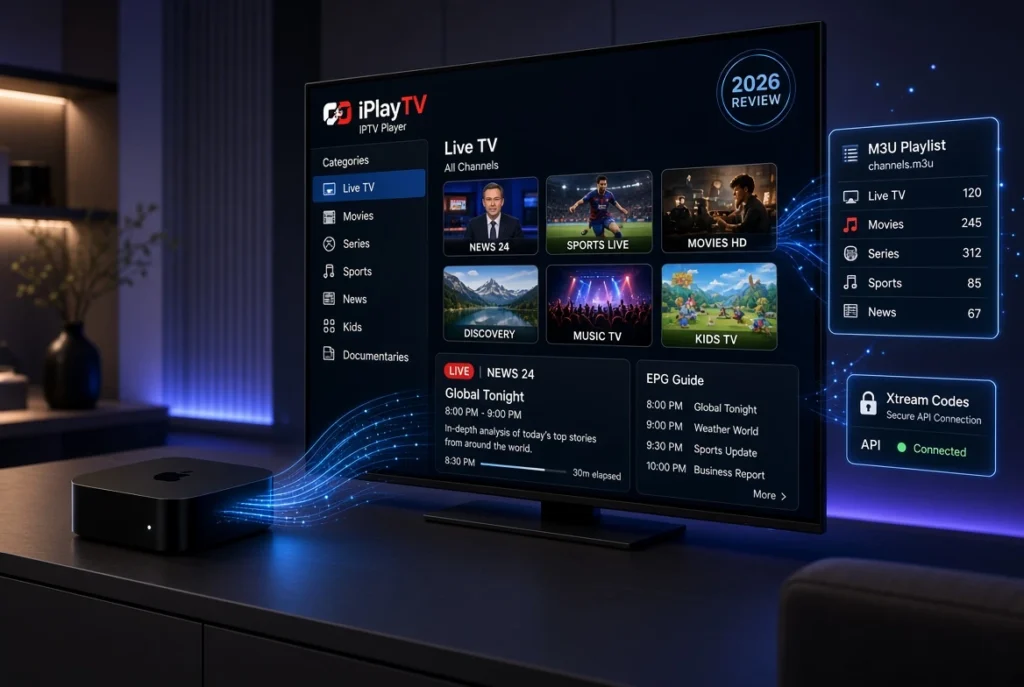
With the growing popularity of IPTV streaming, choosing the right IPTV player has become essential for enjoying a smooth and organized viewing experience. iPlayTV is a popular IPTV player designed mainly for Apple devices, especially Apple TV, iPhone, and iPad, allowing users to stream their own IPTV content through M3U playlists and Xtream Codes.
Unlike IPTV providers, iPlayTV does not provide TV channels or IPTV subscriptions. Instead, it works as a media player that connects with your IPTV service and organizes your content into a professional interface with features such as:
- Live TV streaming
- Electronic Program Guide (EPG)
- M3U playlist support
- Xtream Codes support
- VOD organization
- Fast channel switching
- Modern Apple TV interface
For users searching for a reliable IPTV player for Apple TV, iPlayTV offers a simple solution with a clean design inspired by the Apple ecosystem.
In this complete iPlayTV review, we will explain everything you need to know: features, supported devices, setup methods, M3U playlist configuration, Xtream Codes integration, pricing, advantages, disadvantages, and alternatives.
What is iPlayTV?
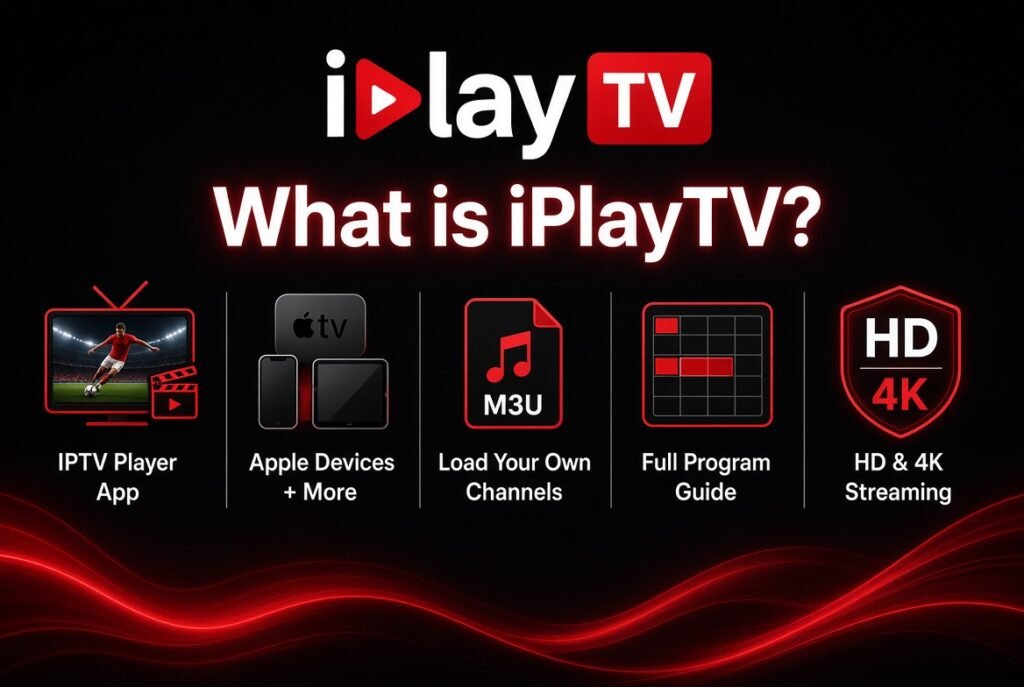
iPlayTV is an IPTV player application that allows users to watch IPTV content using their own IPTV subscription details.
The application works by connecting to IPTV formats such as:
- M3U URL playlists
- Xtream Codes API
- XMLTV EPG guides
The app acts as a bridge between your IPTV provider and your streaming device.
The process is simple:
IPTV Provider → M3U Playlist / Xtream Codes → iPlayTV → Apple TV → Television
iPlayTV Main Features
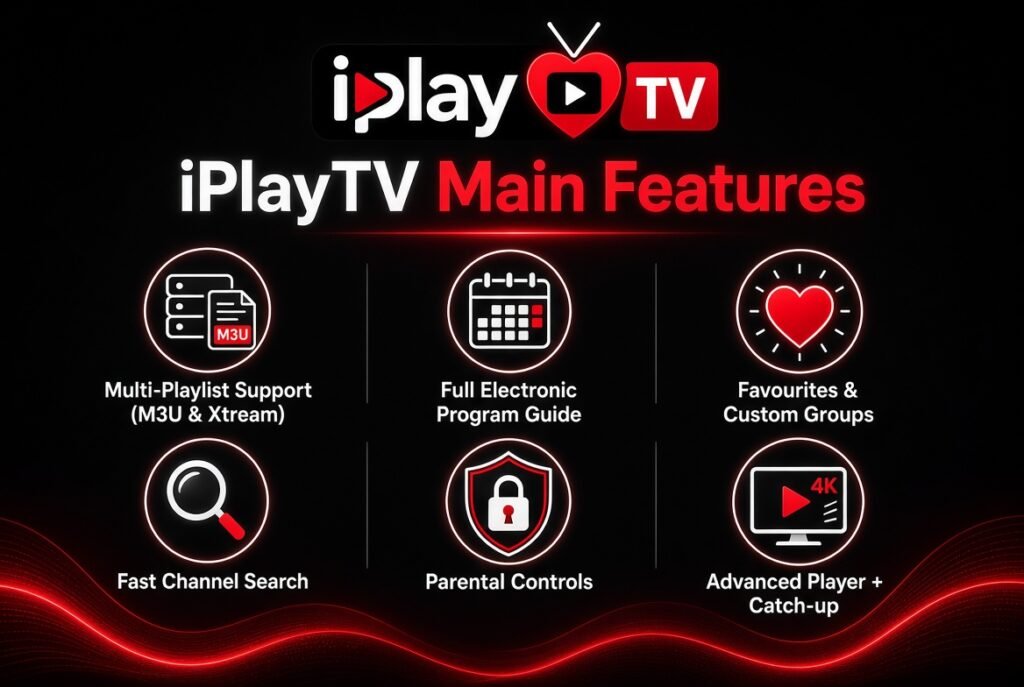
1. iPlayTV Apple TV Interface
One of the biggest advantages of iPlayTV is its clean and modern interface designed for Apple TV.
The application provides:
- Simple navigation with Apple TV remote
- Organized channel categories
- Smooth scrolling
- Professional TV guide layout
- Fast loading times
The interface feels familiar for Apple users because it follows the minimalist design style of tvOS applications.
2. M3U Playlist Support
One of the most important features of any IPTV player is playlist compatibility.
iPlayTV supports M3U playlists, allowing users to add IPTV services using an M3U URL.
An M3U playlist contains IPTV streaming information such as:
- Channel names
- Streaming URLs
- Categories
- Logos
- Metadata
How to add M3U Playlist to iPlayTV?
The general process:
- Open iPlayTV application
- Select “Add Playlist”
- Choose M3U Playlist
- Enter your M3U URL
- Save the playlist
- Wait for channels to load
After setup, your IPTV channels will appear automatically inside the application.
3. iPlayTV Xtream Codes Support
Many IPTV services use Xtream Codes API because it provides a more organized connection method.
With Xtream Codes, users usually enter:
- Username
- Password
- Server URL
Instead of manually adding an M3U link.
Advantages of Xtream Codes:
- Automatic channel organization
- Better EPG integration
- Easier setup
- Faster playlist updates
For users searching for:
- iPlayTV Xtream Codes Support
- iPlayTV Xtream Codes Setup
- Xtream Codes IPTV Player
This feature makes the application easier to configure.
4. iPlayTV EPG Support
EPG (Electronic Program Guide) improves the IPTV experience by displaying TV schedules.
With EPG support, users can see:
- Current programs
- Upcoming shows
- Program descriptions
- Start and end times
iPlayTV supports IPTV EPG formats such as:
- XMLTV EPG
- IPTV program guide
A properly configured EPG makes iPlayTV feel closer to a traditional television experience.
iPlayTV Supported Devices
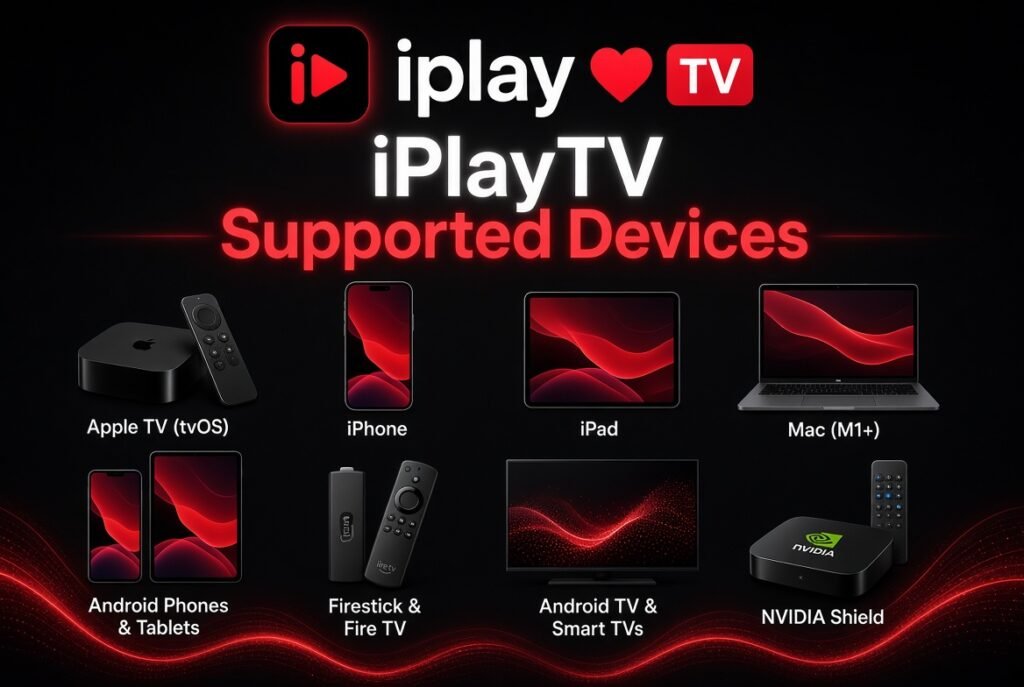
iPlayTV Apple TV
The main platform for iPlayTV is Apple TV.
It works well with:
- Apple TV HD
- Apple TV 4K
- tvOS devices
Apple TV users benefit from:
- Large-screen streaming
- Smooth performance
- Remote-friendly navigation
iPlayTV iOS (iPhone & iPad)
iPlayTV is also available for iOS devices.
Users can enjoy IPTV streaming on:
- iPhone
- iPad
This makes it possible to watch IPTV content while traveling or away from the television.
iPlayTV Android
Although iPlayTV is mainly associated with Apple devices, many IPTV users search for:
- iPlayTV Android
- iPlayTV Android IPTV Player
Before installation, users should verify official availability because application support can change depending on the platform.
How to Setup iPlayTV IPTV Player
Step 1: Install iPlayTV
Download the application from the official app marketplace available on your device.
Step 2: Choose Your IPTV Connection Method
You can usually configure your IPTV service using:
Method 1: M3U Playlist
You need:
- M3U URL
Method 2: Xtream Codes
You need:
- Server URL
- Username
- Password
Step 3: Add EPG Guide
For a better experience:
- Add XMLTV EPG URL
- Refresh the program guide
- Organize categories
Step 4: Start Streaming
Once configured, you can access:
- Live TV
- VOD
- TV categories
- Program information
iPlayTV vs Other IPTV Players
iPlayTV vs IPTVX
| Feature | iPlayTV | IPTVX |
|---|---|---|
| Apple TV Support | ✅ Excellent | ✅ Excellent |
| M3U Support | ✅ | ✅ |
| Xtream Codes | ✅ | ✅ |
| Modern Interface | ✅ | ✅ |
| Apple Ecosystem | Strong | Strong |
iPlayTV vs TiviMate
TiviMate is mainly popular among Android TV and Firestick users.
iPlayTV focuses more on:
- Apple TV
- iOS users
- Simple interface
TiviMate focuses more on:
- Android TV
- Firestick
- Advanced IPTV management
iPlayTV Advantages
✅ Clean Apple TV interface
✅ Easy IPTV setup
✅ Supports M3U playlists
✅ Supports Xtream Codes
✅ EPG compatibility
✅ Good streaming organization
✅ Suitable for beginners
iPlayTV Disadvantages
❌ Mainly focused on Apple devices
❌ Does not include IPTV channels
❌ Requires your own IPTV service
❌ Some advanced users may prefer more customization options
Is iPlayTV Free?
The price of iPlayTV may vary depending on the platform and availability.
Before purchasing:
- Check the current App Store price
- Verify available features
- Compare with alternative IPTV players
iPlayTV Common Problems & Solutions
iPlayTV Playlist Not Loading
Possible solutions:
- Check your M3U URL
- Verify your IPTV subscription
- Refresh playlist
- Restart the application
iPlayTV EPG Not Working
Try:
- Confirm XMLTV URL
- Update playlist
- Reload EPG data
iPlayTV Buffering Problems
Possible causes:
- Slow internet connection
- IPTV server overload
- Network instability
Solutions:
- Use a stable internet connection
- Reduce streaming quality
- Restart your router
Best IPTV Experience With iPlayTV
For the best experience, users should combine:
- Reliable IPTV service
- Stable internet connection
- Apple TV 4K
- Updated M3U playlist
- Correct EPG configuration
The quality of your IPTV experience depends not only on the player but also on the streaming source and network performance.
Frequently Asked Questions (FAQ)
What is iPlayTV?
iPlayTV is an IPTV player application that allows users to stream their own IPTV subscriptions through M3U playlists and Xtream Codes.
Does iPlayTV provide IPTV channels?
No. iPlayTV is only a player. Users need their own IPTV provider.
Does iPlayTV support M3U playlists?
Yes, iPlayTV supports M3U playlist URLs.
Does iPlayTV support Xtream Codes?
Yes, iPlayTV supports Xtream Codes IPTV configuration.
Is iPlayTV available on Apple TV?
Yes, iPlayTV is mainly designed for Apple TV and iOS devices.
Is iPlayTV better than IPTVX?
Both are excellent IPTV players. The best choice depends on your device and personal preferences.
Conclusion: Is iPlayTV the Right IPTV Player?
iPlayTV is a powerful and simple IPTV player for Apple users who want an organized and smooth streaming experience.
With support for:
- M3U playlists
- Xtream Codes
- EPG guides
- Apple TV interface
- IPTV streaming features
it remains a popular choice for users looking for a professional IPTV player.
If you use Apple TV and want a clean IPTV application without complicated settings, iPlayTV is definitely worth considering.


