
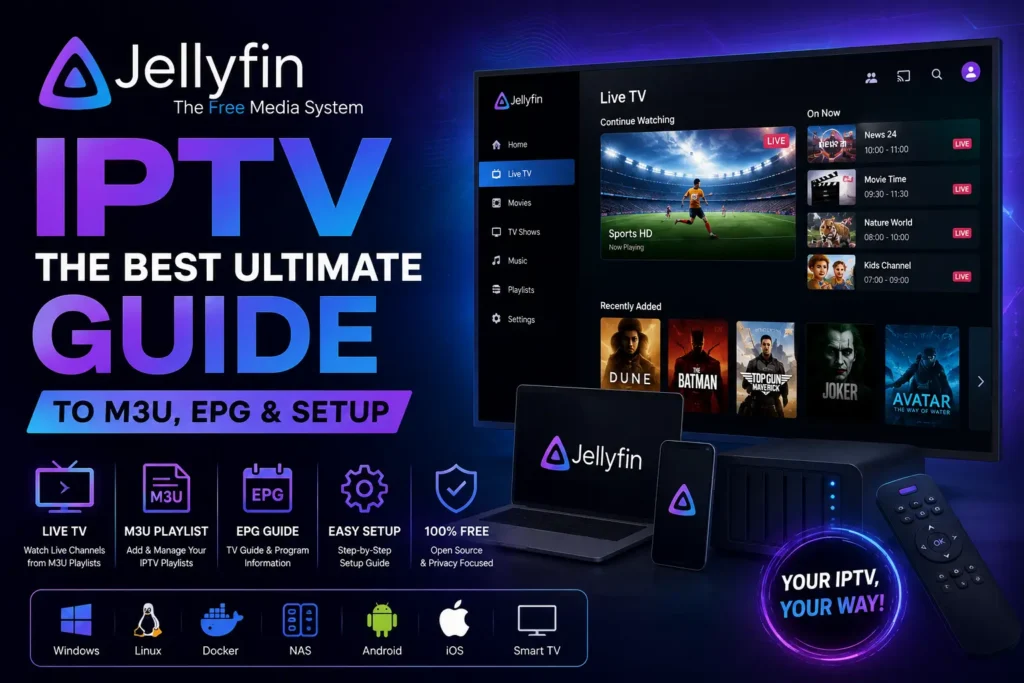
If you are looking for a flexible way to manage IPTV streams alongside your own movies, TV shows, music, and other media, Jellyfin IPTV is worth understanding. Jellyfin is primarily a free and open-source media server, but its Live TV functionality can also work with IPTV playlists through an M3U tuner, while XMLTV can provide electronic program guide data.
This complete Jellyfin IPTV guide explains what Jellyfin is, how its IPTV functionality works, how to set up an M3U playlist, how EPG data fits into the setup, what to know about VOD and live streams, and how Jellyfin compares with Plex and Emby.
Important: Jellyfin does not provide IPTV subscriptions or TV channels. You need your own legally obtained IPTV streams or compatible M3U playlist. Always make sure the content you access is authorized in your country.
What Is Jellyfin?

Jellyfin is a free and open-source media system designed to organize and stream your personal media collection through a server and supported client applications.
Unlike a traditional IPTV player that primarily focuses on loading a playlist and playing streams, Jellyfin is designed around a self-hosted media server. You install the server on a computer, NAS, or compatible system and then access your media from different devices.
Jellyfin can organize:
- Movies
- TV shows
- Music
- Photos
- Live TV
- IPTV playlists
- Recordings
- Other supported media
This makes Jellyfin interesting for users who want IPTV and personal media management in one ecosystem.
What Is a Jellyfin Server?
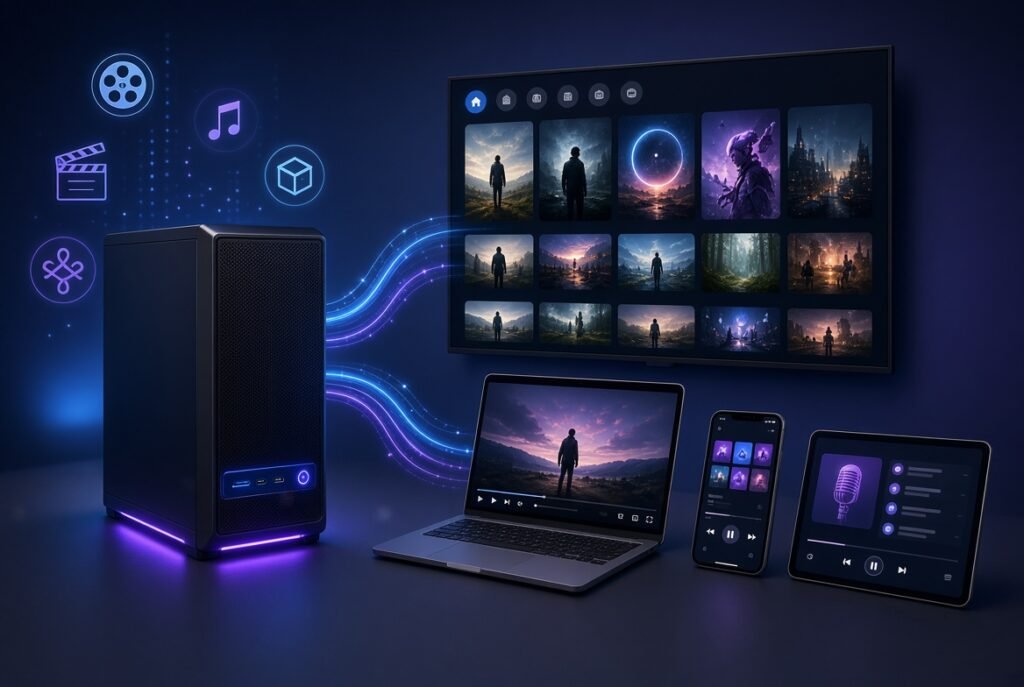
The Jellyfin server is the central component of the platform.
Instead of putting your media directly into every device, the server manages your content and makes it available to compatible clients.
A typical setup looks like this:
IPTV / Personal Media → Jellyfin Server → Jellyfin Client → TV / Phone / Computer
The server handles the organization and delivery of your media. Depending on the content and device, Jellyfin may also perform transcoding when necessary.
Jellyfin supports installations on platforms including Windows, macOS, Linux, Docker, Synology, and TrueNAS, among others.
What Is Jellyfin IPTV?
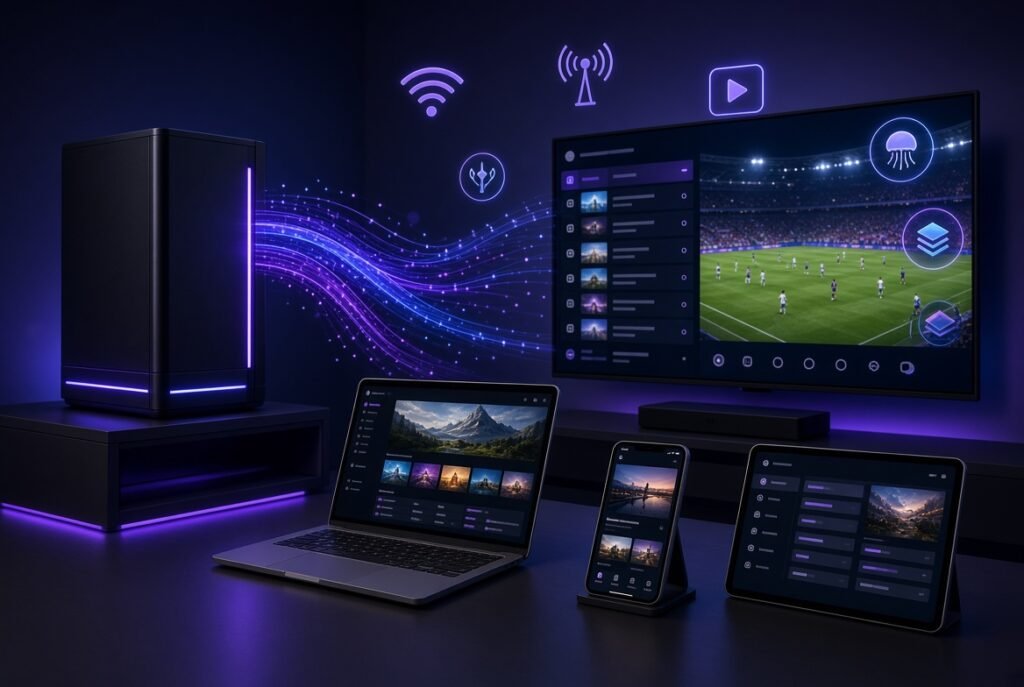
Jellyfin IPTV refers to using Jellyfin’s Live TV functionality to access IPTV channels through a compatible tuner source.
Importantly, Jellyfin officially supports M3U as a tuner type. Its documentation specifically states that an M3U tuner can be used to add IPTV channel playlists that can then be viewed and recorded.
This means Jellyfin can act as more than just a personal movie server.
With a compatible playlist, you can create a Live TV environment containing:
- IPTV channels
- Channel names
- Channel groups
- EPG information
- Live streams
- Recording functionality
- Multiple users and access controls
Jellyfin IPTV Guide: How Does It Work?
The basic Jellyfin IPTV architecture is simple:
M3U Playlist → Jellyfin M3U Tuner → Channels → XMLTV EPG → Jellyfin Live TV
The M3U playlist provides information about available streams, while the EPG provides program information.
Jellyfin’s official Live TV documentation identifies M3U as a supported tuner and XMLTV as one of its supported guide-data formats.
This distinction is important because M3U and EPG serve different purposes.
M3U
An M3U playlist generally tells Jellyfin where the streams are and provides channel metadata.
XMLTV
XMLTV provides program-guide information such as:
- Program titles
- Start times
- End times
- Program descriptions
- Channel identifiers
Jellyfin requires guide data to be mapped to the corresponding channels after the guide provider is configured.
Jellyfin IPTV M3U Setup
One of the most important parts of a Jellyfin IPTV setup is configuring an M3U tuner.
According to the official Jellyfin setup documentation, you can manually add an M3U tuner from the Live TV settings.
Basic setup process
- Open your Jellyfin administration dashboard.
- Go to Live TV.
- Find Tuner Devices.
- Select the option to add a tuner.
- Choose M3U Tuner.
- Provide your authorized M3U/M3U8 playlist.
- Save the configuration.
- Allow Jellyfin to refresh the channel information.
The M3U playlist can be provided as a URL or from a local location, depending on your setup.
Important M3U options
Jellyfin’s M3U tuner configuration includes options such as:
- Playlist URL or file
- User agent
- Simultaneous stream limit
- Auto-loop live streams
The simultaneous-stream setting can be useful if you want to control how many IPTV streams your Jellyfin server opens at once.
Jellyfin IPTV M3U Setup: What You Need
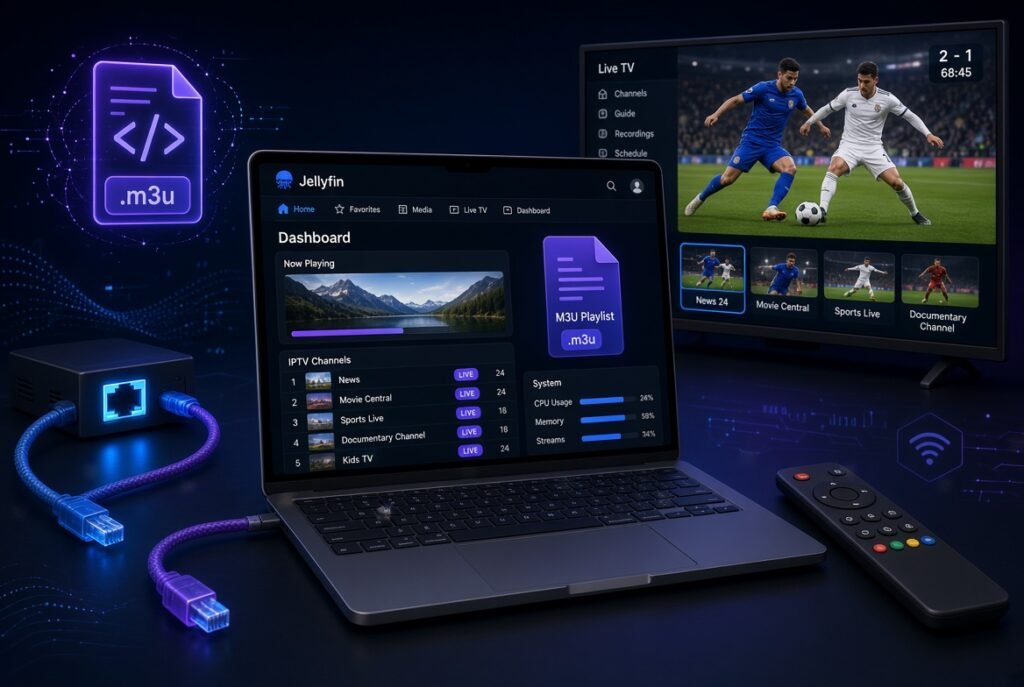
Before starting, prepare:
1. Jellyfin Server
You need a working Jellyfin server.
2. Legal IPTV Playlist
You need an M3U or M3U8 playlist containing streams you are authorized to access.
3. Internet Connection
For internet-based IPTV streams, the server needs reliable network connectivity.
4. EPG Data
If you want a full TV-guide experience, you should also have compatible guide data such as XMLTV.
Jellyfin IPTV EPG Setup
An IPTV experience becomes much more useful when you have an EPG, or Electronic Program Guide.
Without EPG information, you may see channels and streams but have limited information about what is currently playing or scheduled next.
Jellyfin supports XMLTV as a TV guide data provider.
Basic Jellyfin EPG workflow
XMLTV Source → Jellyfin → Channel Mapping → Program Guide
After configuring the guide provider, Jellyfin requires the guide data to be mapped to the appropriate channels.
This mapping step is important because the channel identifier in the playlist needs to correspond correctly with the guide data.
Jellyfin IPTV VOD: Does Jellyfin Support VOD?
This is where Jellyfin differs from many dedicated IPTV applications.
Jellyfin is fundamentally designed as a media server, so it is particularly strong when you want to manage your own movie and TV-show library.
For IPTV specifically, Jellyfin’s official Live TV functionality is centered around live channels and compatible tuner sources. The official documentation describes M3U as a way to add IPTV channels to Live TV.
Therefore, you should not think of Jellyfin as a traditional IPTV application that automatically imports every provider’s:
- Live TV
- VOD
- Series
- Catch-up
- Categories
- Xtream Codes API
Instead, Jellyfin’s IPTV functionality is primarily built around its Live TV/tuner architecture.
Jellyfin IPTV Streams
The quality of your Jellyfin IPTV streams depends on several factors.
IPTV source quality
The stream provider or source must deliver a stable stream.
Server performance
Your Jellyfin server needs enough resources for your particular workload.
Network speed
A reliable network connection is essential, particularly for high-bitrate HD and 4K streams.
Direct Play vs Transcoding
If a client can directly play the stream format, the server may not need to perform heavy transcoding.
If conversion is necessary, server CPU/GPU resources become more important.
Jellyfin also provides playback and transcoding-related controls for users and administrators.
Jellyfin IPTV Xtream: Does Jellyfin Support Xtream Codes?
This is an important distinction.
Many IPTV players support Xtream Codes API as a direct login method. Jellyfin’s official Live TV documentation, however, lists M3U as its supported IPTV tuner type rather than presenting Xtream Codes as a native tuner/login method.
Therefore:
Jellyfin IPTV + M3U: Yes, officially supported.
Jellyfin IPTV + XMLTV: Yes, supported for guide data.
Jellyfin IPTV + Xtream Codes: Not a native Xtream Codes login workflow in the standard Jellyfin Live TV setup.
This matters when choosing Jellyfin versus a dedicated IPTV player.
Jellyfin IPTV Integration
One of Jellyfin’s advantages is its ability to integrate different media sources and extend functionality through plugins.
Jellyfin provides a plugin system that can add additional functionality, including Live TV integrations. Its official documentation lists plugins for services such as NextPVR and TVHeadend.
For example, Jellyfin has official documentation for integrating with TVHeadend, including Live TV, channel configuration, and EPG synchronization.
This makes Jellyfin particularly interesting for advanced users who want to build a more customized home media environment.
Jellyfin IPTV Support
If your Jellyfin IPTV setup does not work correctly, check the following areas first.
1. Check the M3U playlist
Make sure the playlist is accessible and contains valid stream information.
2. Check network connectivity
Try accessing the stream from another compatible player to determine whether the problem is Jellyfin or the source.
3. Check EPG mapping
If channels appear but program information does not, the EPG configuration or channel mapping may be incorrect.
4. Check simultaneous streams
If several users are watching at the same time, make sure the tuner configuration allows enough simultaneous streams.
5. Check transcoding
If the stream works but playback is unstable, investigate whether Jellyfin is transcoding the video.
6. Refresh the guide
Jellyfin allows guide data to be refreshed when necessary.
Jellyfin vs Plex for IPTV
Jellyfin vs Plex is one of the most useful comparisons for users researching IPTV.
Both platforms are primarily media-server solutions rather than conventional IPTV subscription players.
However, Jellyfin has a clearly documented M3U tuner for IPTV channels and XMLTV support for guide data.
Jellyfin
- Open-source
- Self-hosted
- M3U tuner
- XMLTV guide support
- Live TV
- Recording
- Personal media libraries
- Plugin ecosystem
Plex
Plex is also primarily designed around personal media management and streaming, rather than functioning as a conventional Xtream Codes/M3U IPTV player.
Which is better?
If your priority is open-source self-hosting and flexible M3U-based Live TV, Jellyfin is an attractive option.
If your priority is a polished commercial media ecosystem, Plex may be more appealing.
Emby vs Jellyfin
Another popular comparison is Emby vs Jellyfin.
Jellyfin originated from the Emby codebase and has developed into an independent open-source media server project.
For IPTV users, both platforms can be interesting depending on the exact Live TV architecture and integrations you want.
Jellyfin advantages
- Open-source
- No premium license required for core functionality
- Strong self-hosting focus
- M3U Live TV support
- XMLTV support
- Plugin ecosystem
Emby advantages
- Mature media-server ecosystem
- Broad device support
- Live TV functionality
- Additional commercial features
For someone specifically researching Jellyfin IPTV, the M3U tuner and XMLTV support are among the most important points to evaluate.
Is Jellyfin a Media Player?
Jellyfin includes both a server and client applications.
The server manages and delivers content, while client applications allow users to access that content.
So when people search for Jellyfin media player, they are often referring to the client side of the Jellyfin ecosystem.
This is different from a simple IPTV player where you typically enter an M3U playlist and immediately browse channels.
Jellyfin is better understood as:
Media server + clients + Live TV + personal media management
rather than simply an IPTV player.
Can Jellyfin Replace an IPTV Player?
It depends on your needs.
Jellyfin can be a good choice if you want:
- M3U IPTV
- Live TV
- EPG
- Personal media
- Self-hosting
- Multiple users
- Media organization
- Recording
- Server-side management
A dedicated IPTV player may be better if you want:
- Xtream Codes login
- Simple playlist management
- IPTV-first interface
- Provider categories
- Quick setup
- Provider-specific VOD and series organization
In other words, Jellyfin IPTV is best suited to users who want IPTV as part of a broader home media server rather than users who only want a simple IPTV player.
Advantages of Jellyfin IPTV
Open-Source
Jellyfin is an open-source media system and does not require a premium license for its core platform.
M3U Support
Its M3U tuner provides a direct way to add IPTV playlists to Live TV.
XMLTV Support
XMLTV can provide EPG information for your IPTV channels.
Self-Hosted
You control the Jellyfin server and your media environment.
Live TV Recording
Jellyfin’s Live TV functionality can be used for recording when the appropriate setup is available.
Plugins
Plugins can extend Jellyfin and provide additional integrations.
Disadvantages of Jellyfin IPTV
Jellyfin isn’t perfect for every IPTV user.
More complicated setup
Compared with a dedicated IPTV player, configuring a complete Jellyfin IPTV environment can require more technical knowledge.
Not a provider
Jellyfin doesn’t give you an IPTV subscription or channels.
Xtream Codes aren’t the standard setup
Users accustomed to entering an Xtream Codes username, password, and server URL may find Jellyfin’s M3U tuner approach less convenient.
Server required
The Jellyfin model normally involves operating your own server.
Troubleshooting can be technical
Networking, transcoding, playlist formatting, EPG mapping, and server resources can all affect the experience.
Jellyfin IPTV Setup Checklist
Before you start, make sure you have:
- Jellyfin Server installed
- Jellyfin administrator access
- A legal M3U/M3U8 IPTV playlist
- Stable internet connection
- XMLTV EPG data if required
- Sufficient server resources
- Compatible Jellyfin client
- Correct channel/EPG mapping
This checklist can save time and prevent many common setup problems.
Frequently Asked Questions
What is Jellyfin IPTV?
Jellyfin IPTV is the use of Jellyfin’s Live TV functionality with compatible IPTV sources, particularly M3U playlists. Jellyfin officially documents M3U as a supported tuner type.
What is Jellyfin?
Jellyfin is a free and open-source media server designed to organize and stream personal media through a server and client applications.
Does Jellyfin support M3U?
Yes. Jellyfin supports M3U as a Live TV tuner and can use M3U/M3U8 playlists for IPTV channels.
Does Jellyfin support EPG?
Yes. Jellyfin supports XMLTV for TV guide data.
Does Jellyfin support Xtream Codes?
Jellyfin’s standard Live TV documentation focuses on M3U tuners rather than a native Xtream Codes API login. If your IPTV provider gives you Xtream Codes credentials, you may need a compatible conversion or integration approach rather than entering those credentials directly as a standard Jellyfin tuner.
Can I use Jellyfin for IPTV streams?
Yes, compatible IPTV streams can be added through the M3U tuner system.
Can Jellyfin record IPTV?
Jellyfin’s Live TV system supports recording, provided the Live TV/tuner setup supports the required functionality.
Is Jellyfin better than Plex for IPTV?
There isn’t one answer for everyone. For users prioritizing open-source software, self-hosting, M3U IPTV, and XMLTV, Jellyfin is a strong option.
Is Jellyfin an IPTV provider?
No. Jellyfin is media-server software. It does not provide IPTV subscriptions or channel packages.
Final Verdict: Is Jellyfin Good for IPTV?
Yes — but it is important to understand what Jellyfin is designed to do.
Jellyfin isn’t simply another IPTV player. Its strength is combining personal media management, self-hosting, Live TV, M3U IPTV, XMLTV EPG, recording, and client access in one platform.
For users who already operate a home media server, Jellyfin IPTV can be an excellent way to bring authorized IPTV streams into the same environment as their personal media library.
For users who simply want to enter an IPTV subscription using Xtream Codes and start watching immediately, a dedicated IPTV player may be easier.
The biggest advantage of Jellyfin is therefore flexibility and control, while the main trade-off is that setup and administration require more effort than a conventional IPTV application.


