
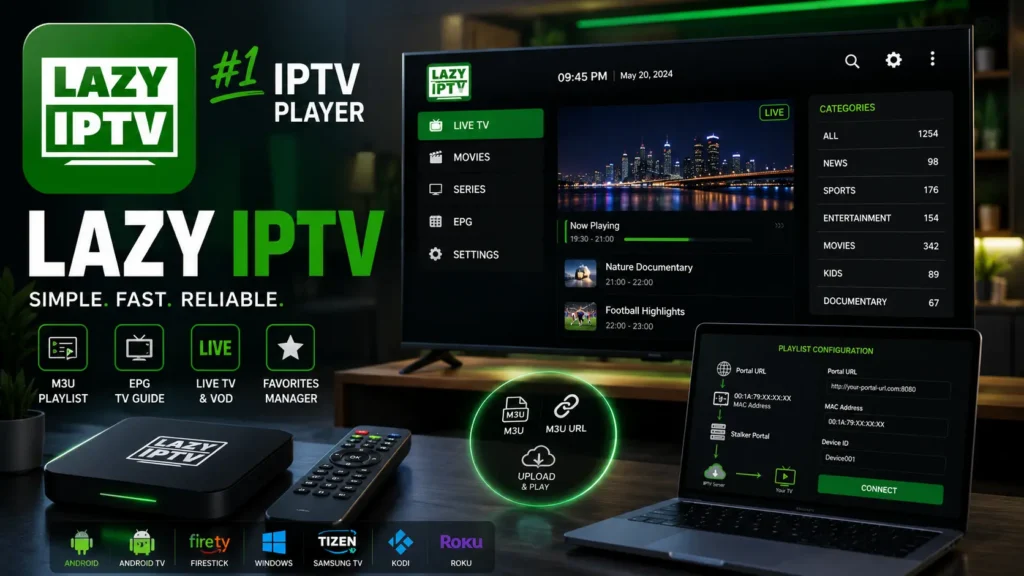
With the rapid growth of IPTV streaming, users are searching for simple and reliable IPTV players that allow them to watch live TV channels, VOD content, and online streams using their own playlists. One of the applications that attracts attention among IPTV users is Lazy IPTV.
Lazy IPTV is an IPTV player designed to load and manage IPTV playlists, especially M3U and M3U8 files, allowing users to organize their streaming content in a simple interface. Unlike IPTV providers, Lazy IPTV does not offer channels or subscriptions; it works as a media player where users add their own IPTV sources.
Whether you want to use Lazy IPTV Player on Android, Lazy IPTV for PC, Lazy IPTV Windows, Lazy IPTV Firestick, Lazy IPTV Kodi, or other compatible devices, this guide explains everything you need to know about installation, setup, features, playlists, EPG support, and troubleshooting.
What is Lazy IPTV?

Lazy IPTV is an IPTV playlist player that allows users to stream online television content through playlist formats such as:
- M3U Playlist
- M3U8 Streaming Links
- IPTV URLs
- XMLTV EPG files
The application acts as a bridge between your IPTV playlist and your device. After adding an IPTV playlist, Lazy IPTV automatically loads available channels and organizes them for easier navigation.
It is commonly used by IPTV enthusiasts who prefer a lightweight IPTV player without complicated configuration.
How Does Lazy IPTV Work?
Lazy IPTV works through a simple process:
- User adds an IPTV playlist URL or M3U file.
- The application reads channel information.
- Channels are organized into categories.
- The IPTV player connects to streaming servers.
- Content is played through the device’s media engine.
The basic workflow:
IPTV Provider → M3U Playlist → Lazy IPTV Player → Streaming Device → TV Screen

Lazy IPTV Player Features
Lazy IPTV includes several useful features for IPTV users:
M3U Playlist Support
One of the main advantages of Lazy IPTV is support for:
- M3U playlists
- M3U8 streaming links
- IPTV playlist URLs
- Local playlist files
Users can easily import their IPTV playlist and start watching available content.
Electronic Program Guide (EPG) Support
Lazy IPTV can work with IPTV EPG data to display:
- Program schedules
- Current shows
- Upcoming programs
- Channel information
EPG improves the user experience by transforming a simple playlist into a complete TV guide.
Channel Management
The application allows users to:
- Create favorites
- Organize channels
- Manage playlists
- Remove unwanted streams
- Update IPTV sources
Lazy IPTV Playlist M3U Setup
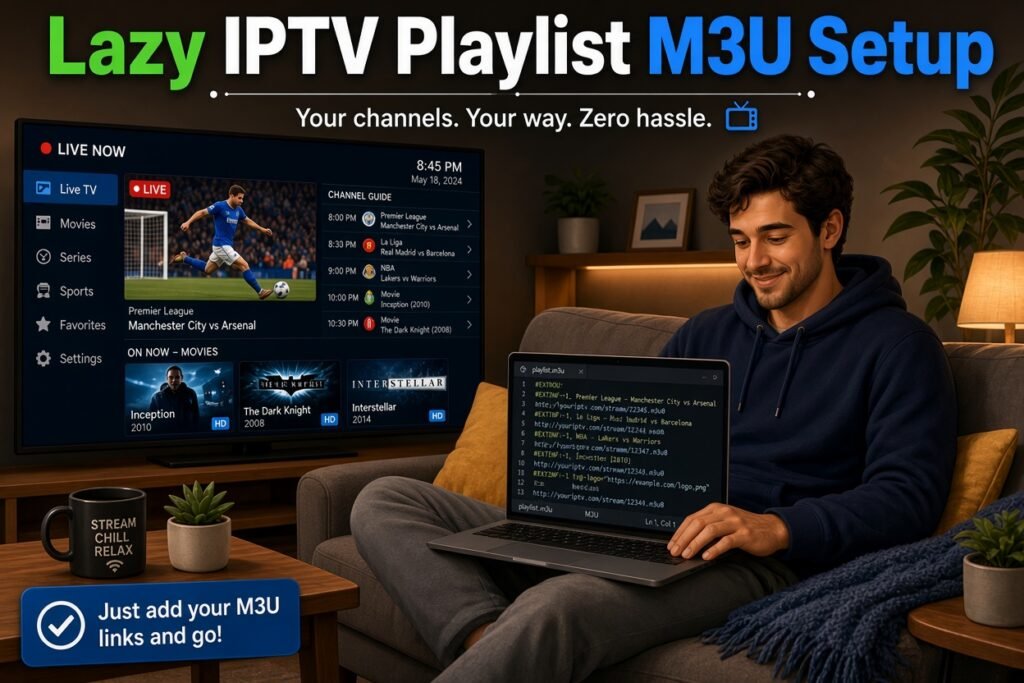
One of the most searched topics is:
“Lazy IPTV Playlist M3U”
To add an M3U playlist:
Step 1: Open Lazy IPTV
Launch the application on your device.
Step 2: Add Playlist
Choose the playlist option and select:
- M3U URL
- Local M3U file
Step 3: Enter IPTV Playlist Information
Add your IPTV playlist URL provided by your IPTV service.
Step 4: Load Channels
After loading, your channels will appear inside the application.
Lazy IPTV on Different Devices
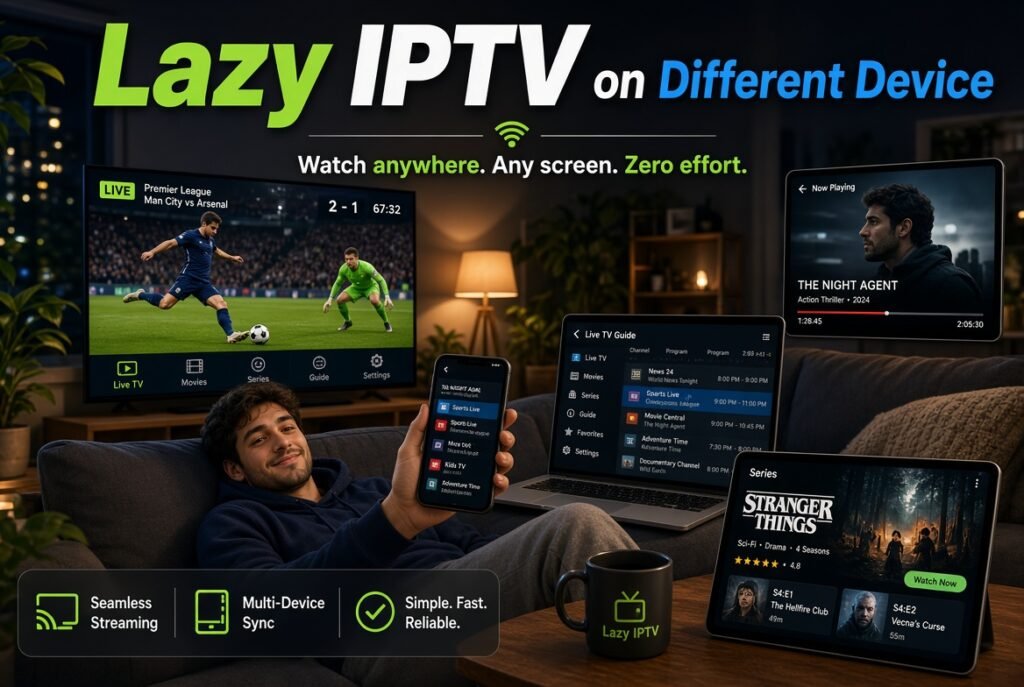
Lazy IPTV Android
Lazy IPTV is mainly known among Android IPTV users because Android devices provide flexibility for IPTV applications.
Compatible devices include:
- Android smartphones
- Android tablets
- Android TV Box
- Android Smart TV
Lazy IPTV Firestick
Many IPTV users search for:
Lazy IPTV Firestick
Amazon Firestick is one of the most popular streaming devices, but Lazy IPTV availability depends on application compatibility and installation methods.
Firestick users usually look for IPTV players that support:
- M3U playlists
- Remote control navigation
- TV-friendly interfaces
Lazy IPTV for PC and Windows
Users searching for:
- Lazy IPTV for PC
- Lazy IPTV Windows
want to run IPTV playlists on computers.
On Windows, IPTV users can use compatible IPTV media players or Android emulators to access IPTV applications.
Advantages:
- Larger screen experience
- Keyboard and mouse control
- Easier playlist management
Lazy IPTV Tizen (Samsung Smart TV)
Many Samsung TV users search for:
Lazy IPTV Tizen
Samsung Smart TVs use the Tizen operating system. IPTV applications available on Tizen depend on the Samsung App Store and developer support.
Users looking for IPTV on Samsung TVs should check whether the application supports:
- Samsung Tizen OS
- M3U playlists
- IPTV EPG
- Smart TV navigation
Lazy IPTV Kodi Integration
Another popular search term is:
Lazy IPTV Kodi
Kodi users often use IPTV solutions through:
- IPTV Simple Client
- M3U playlists
- XMLTV EPG
While Kodi is a complete media center, Lazy IPTV focuses mainly on IPTV playlist management.
Lazy IPTV Roku
Roku users search for:
Lazy IPTV Roku
Roku has a different application ecosystem compared with Android devices. IPTV availability depends on supported Roku channels and compatible streaming methods.
Lazy IPTV vs Other IPTV Players
Lazy IPTV vs TiviMate
| Feature | Lazy IPTV | TiviMate |
|---|---|---|
| M3U Support | ✅ | ✅ |
| EPG Support | ✅ | ✅ |
| Modern Interface | Basic | Advanced |
| Android TV Optimization | Good | Excellent |
Lazy IPTV vs IPTV Smarters
IPTV Smarters offers a more complete interface with:
- Xtream Codes support
- VOD categories
- Modern UI
Lazy IPTV focuses mainly on playlist management.
Lazy IPTV vs Kodi IPTV
Kodi provides:
- Media center features
- Add-ons
- Advanced customization
Lazy IPTV provides:
- Simpler IPTV playlist experience
- Faster setup
Common Lazy IPTV Problems and Solutions
Lazy IPTV Not Working
Possible causes:
- Invalid playlist URL
- Expired IPTV subscription
- Server problems
- Internet connection issues
Solutions:
- Check your M3U URL
- Update playlist
- Restart application
- Test internet speed
Lazy IPTV Playlist Not Loading
If your playlist does not load:
Check:
- URL accuracy
- IPTV server availability
- Network connection
- Playlist expiration
Lazy IPTV Buffering Problems
Buffering can happen because of:
- Slow internet
- IPTV server overload
- Poor streaming quality
Solutions:
- Use a faster connection
- Reduce video quality
- Restart your router
- Try another IPTV source
Is Lazy IPTV a Good IPTV Player?
Lazy IPTV remains a useful option for users who need a simple IPTV playlist player.
Advantages:
✅ Lightweight application
✅ M3U playlist support
✅ Easy channel management
✅ Simple interface
✅ EPG compatibility
Disadvantages:
❌ Limited modern features
❌ Not ideal for premium IPTV interfaces
❌ Device support may vary
Frequently Asked Questions (FAQ)
What is Lazy IPTV?
Lazy IPTV is an IPTV player that allows users to load M3U playlists and watch IPTV streams.
Does Lazy IPTV provide IPTV channels?
No. Lazy IPTV is only a player. Users need their own IPTV playlist or IPTV service.
Does Lazy IPTV support M3U?
Yes, Lazy IPTV supports M3U and M3U8 playlist formats.
Can I use Lazy IPTV on Firestick?
Compatibility depends on available installation methods and device support.
Is Lazy IPTV free?
The application is generally known as a free IPTV player, but features may vary depending on the version.
Final Thoughts
Lazy IPTV is a simple solution for users who want an easy way to manage IPTV playlists without complicated settings. With support for M3U playlists, EPG data, and IPTV streaming, it provides a practical option for Android and IPTV enthusiasts.
However, users looking for advanced features such as premium interfaces, multi-screen support, and advanced EPG management may prefer modern IPTV players like TiviMate or IPTV Smarters.
For beginners who need a lightweight IPTV playlist application, Lazy IPTV Player remains an interesting choice for IPTV streaming.


