
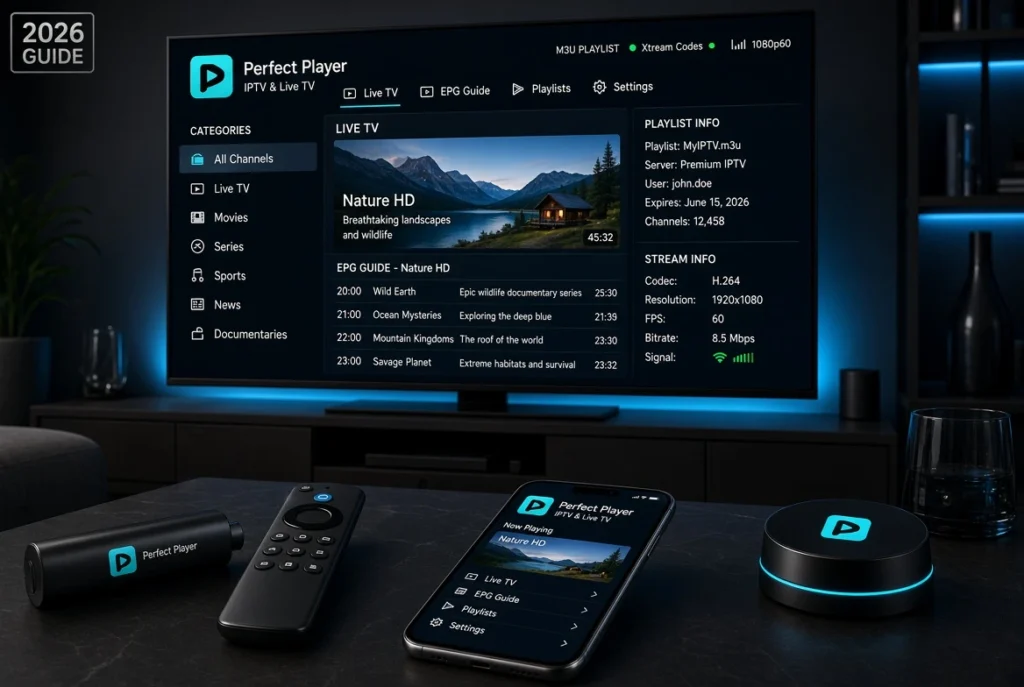
The IPTV industry has grown rapidly in recent years, and choosing the right IPTV player has become an important step for users who want a smooth streaming experience. A good IPTV player should provide fast navigation, stable playback, support for playlists, and an organized TV interface.
Among the popular IPTV applications available today, Perfect Player IPTV remains one of the most recognized IPTV players, especially among Android TV, Firestick, and Android Box users. The application is known for its simple interface, lightweight performance, and support for IPTV playlist formats such as M3U, XSPF, and XMLTV EPG.
In this complete Perfect Player IPTV Review 2026, we will explain everything about the app, including its features, supported devices, installation methods, IPTV setup, M3U playlist configuration, Xtream Codes setup, EPG settings, advantages, disadvantages, and frequently asked questions.
What Is Perfect Player IPTV?
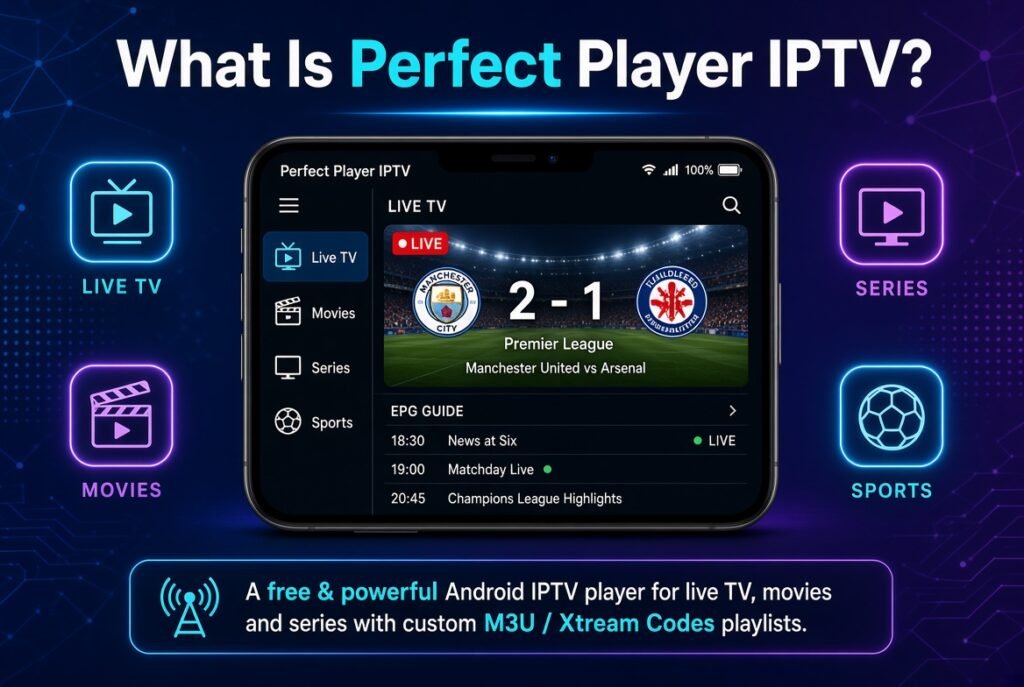
Perfect Player IPTV is an IPTV media player that allows users to stream their own IPTV content through playlists provided by an IPTV service.
Unlike IPTV providers, Perfect Player does not host or provide TV channels, movies, or subscriptions. It works only as a player where users add their own IPTV information.
The application allows users to organize IPTV content with:
- Live TV channels
- Channel categories
- Electronic Program Guide (EPG)
- TV logos
- Playlist management
- Custom playback settings
Perfect Player is mainly designed for:
- Android devices
- Android TV
- Amazon Firestick
- Android TV Boxes
- Windows computers
Important Information About Perfect Player IPTV
Before using Perfect Player, it is important to understand how the application works.
Important:
- Perfect Player IPTV is only an IPTV player.
- It does not provide IPTV subscriptions or channels.
- You need your own IPTV subscription or playlist.
- The app requires IPTV login details such as M3U URL, playlist file, or compatible IPTV information.
- Streaming quality depends on your IPTV provider, internet connection, and device performance.
Perfect Player simply reads your IPTV data and displays it in a user-friendly interface.
Perfect Player IPTV Features
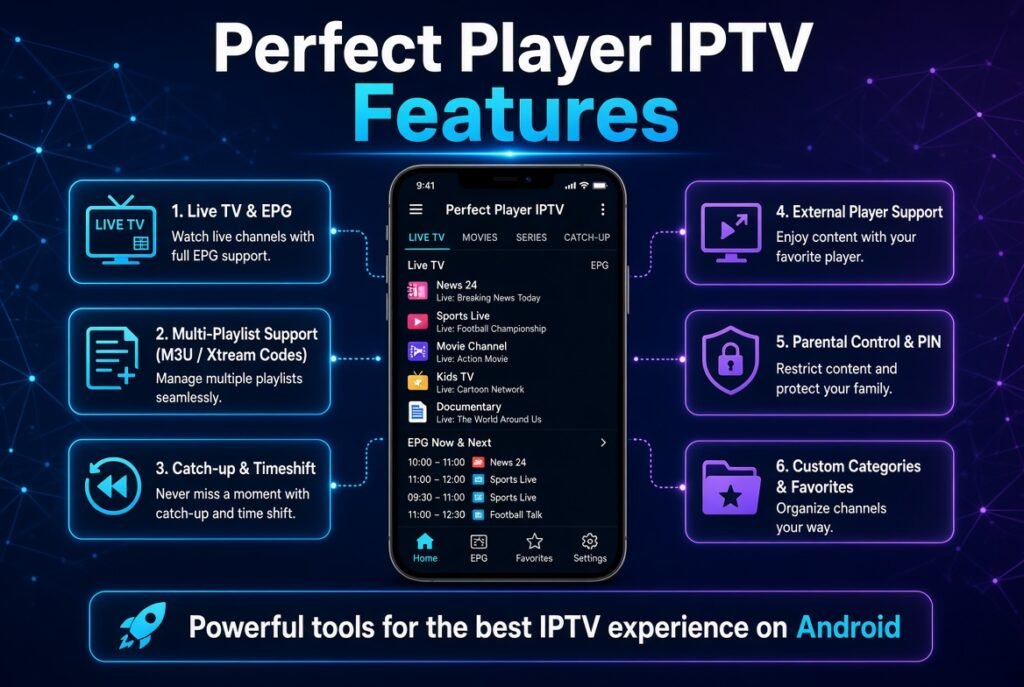
1. Simple and Lightweight Interface
One of the biggest advantages of Perfect Player is its simple design.
Unlike some modern IPTV players that include many unnecessary options, Perfect Player focuses on providing a traditional TV experience.
Users can easily:
- Browse channels
- Change categories
- Access EPG information
- Add favorites
- Adjust playback settings
This makes it a good choice for users who prefer simplicity.
2. M3U Playlist Support
Perfect Player IPTV supports M3U playlists, which is one of the most common IPTV formats.
Users can add:
- M3U URL
- M3U playlist file
- XSPF playlist
After adding the playlist, Perfect Player automatically loads the available channels and organizes them inside the application.
3. XMLTV EPG Support
A professional IPTV experience requires an Electronic Program Guide.
Perfect Player supports EPG formats such as:
- XMLTV
- JTV
With EPG integration, users can see:
- Current programs
- Upcoming shows
- Program descriptions
- TV schedules
4. Channel Organization
Perfect Player provides a TV-style interface where IPTV channels are displayed in categories.
Users can organize:
- Sports channels
- Movies
- News
- Entertainment
- International channels
The interface feels similar to a traditional satellite receiver.
5. Multiple Decoder Options
One useful feature of Perfect Player is the ability to change playback decoder settings.
Users can choose between:
- Hardware decoder
- Software decoder
This can help improve compatibility depending on the device.
Perfect Player IPTV Supported Devices
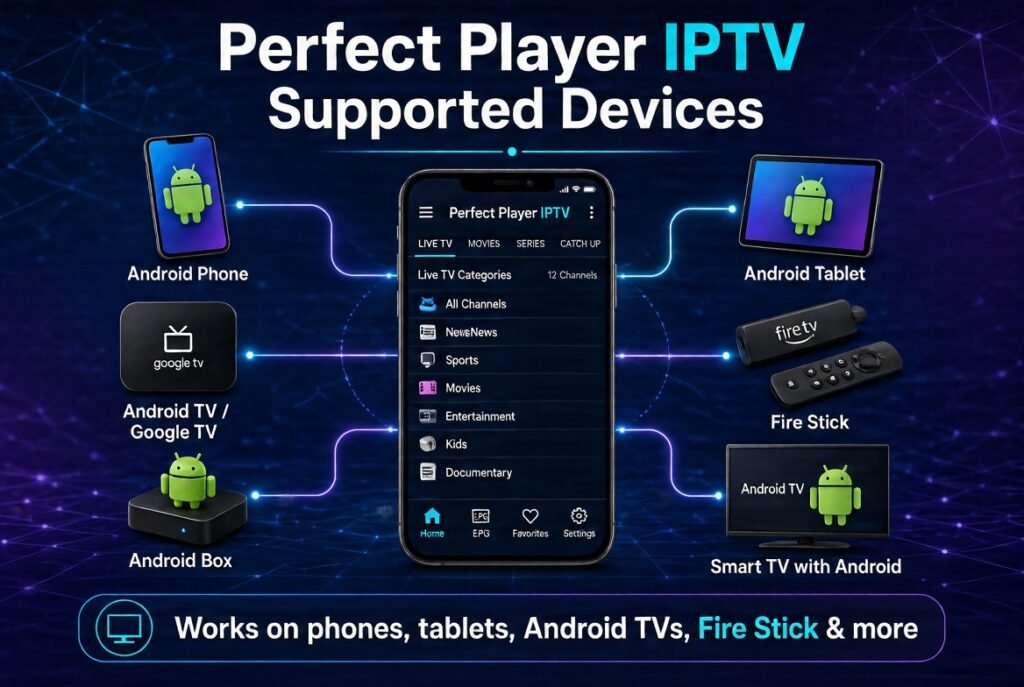
Perfect Player is mainly optimized for Android-based devices.
Supported Devices:
Android TV
Perfect Player works well on Android TV devices because of its remote-friendly interface.
Examples:
- Android TV Box
- Nvidia Shield
- Xiaomi Mi Box
- Google TV devices
Amazon Firestick
Many IPTV users install Perfect Player on:
- Fire TV Stick Lite
- Fire TV Stick 4K
- Fire TV Stick 4K Max
It is popular among Firestick users because it requires limited resources and runs smoothly.
Android Smartphones & Tablets
Perfect Player can also be installed on Android mobile devices.
Windows PC
A Windows version is also available for users who want to watch IPTV on computers.
How to Install Perfect Player IPTV
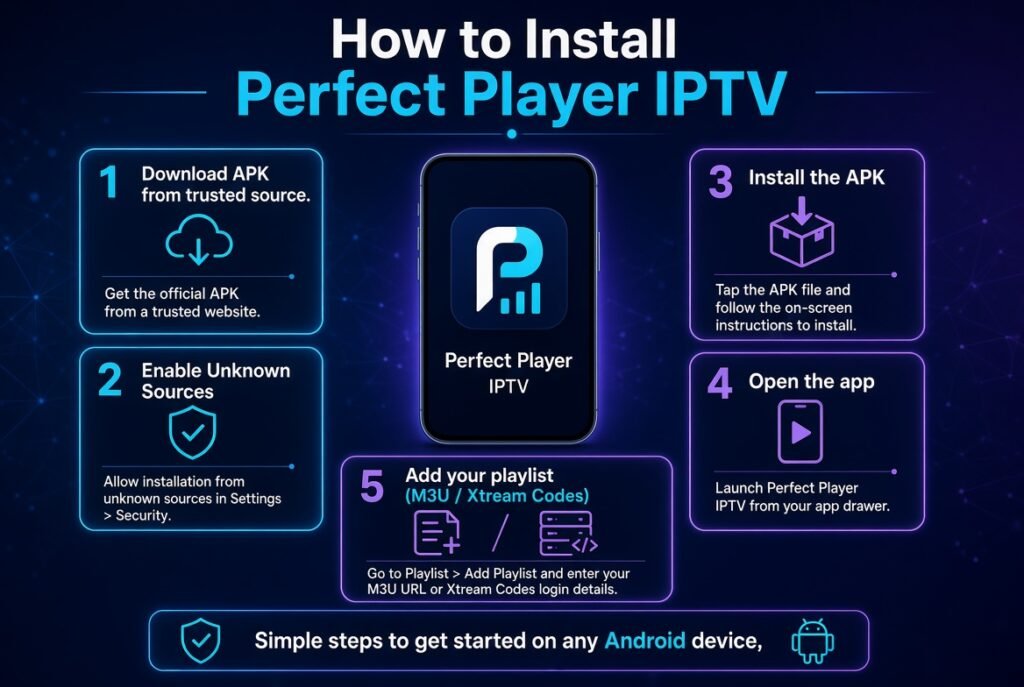
Install Perfect Player on Android TV
Follow these steps:
- Open Google Play Store.
- Search for Perfect Player IPTV.
- Install the application.
- Open the app.
- Prepare your IPTV playlist information.
How to Install Perfect Player on Firestick
Because Firestick does not include the Google Play Store, users usually install applications through alternative installation methods.
Steps:
- Install the Downloader application.
- Enable installation from unknown sources.
- Download the Perfect Player APK.
- Install the application.
- Open Perfect Player.
- Add your IPTV playlist.
How to Setup IPTV on Perfect Player
After installing Perfect Player, you need to connect your IPTV subscription.
The application usually requires:
- M3U Playlist URL
- IPTV Playlist File
- EPG URL
How to Add M3U Playlist to Perfect Player
Follow these steps:
- Open Perfect Player.
- Go to Settings.
- Select General.
- Open Playlist.
- Enter your M3U URL.
- Save changes.
- Wait until channels are loaded.
Your IPTV channels should appear automatically after the playlist update.
How to Add EPG XMLTV to Perfect Player
To add the TV guide:
- Open Settings.
- Select EPG.
- Enter your XMLTV EPG URL.
- Save settings.
- Refresh the playlist.
The program guide will now display:
- Channel schedules
- Current programs
- Upcoming content
Perfect Player Xtream Codes Setup
Many IPTV services provide Xtream Codes login details.
Usually, these include:
- Server URL
- Username
- Password
Depending on the Perfect Player version and configuration, users can connect IPTV data through compatible playlist/server settings.
Best Perfect Player IPTV Settings
For the best performance, consider these settings:
Decoder Settings
Try:
- Hardware decoder first
- Software decoder if you experience playback issues
EPG Update
Enable regular EPG updates to keep your TV guide accurate.
Buffer Settings
If you experience freezing:
- Check internet speed
- Try another decoder
- Restart the application
- Contact your IPTV provider
Perfect Player IPTV Pros and Cons
Pros
✅ Lightweight application
✅ Simple interface
✅ Supports M3U playlists
✅ Supports EPG
✅ Works well on Android TV
✅ Good performance on Firestick
✅ Traditional TV receiver experience
Cons
❌ Interface looks older compared with newer IPTV players
❌ Limited advanced features
❌ Mainly focused on Android devices
❌ Requires manual playlist configuration
Perfect Player vs TiviMate
Both applications are popular IPTV players, but they target different users.
Perfect Player
Best for:
- Users who want simplicity
- Lightweight performance
- Basic IPTV setup
TiviMate
Best for:
- Modern interface
- Advanced IPTV management
- Premium TV experience
If you prefer a simple IPTV player, Perfect Player is a good option. If you want advanced features, TiviMate may be a better choice.
Perfect Player vs IPTV Smarters Pro
Perfect Player
- Lightweight
- Simple design
- Traditional TV interface
IPTV Smarters Pro
- Modern interface
- Supports multiple login methods
- Better for beginners
Both are good IPTV players depending on your needs.
Common Perfect Player IPTV Problems and Solutions
Perfect Player Not Loading Channels
Possible solutions:
- Check your playlist URL
- Verify IPTV login details
- Refresh playlist
- Restart the app
Perfect Player EPG Not Working
Solutions:
- Check XMLTV URL
- Confirm your IPTV provider includes EPG
- Refresh EPG data
Perfect Player Buffering Issues
Try:
- Improving internet speed
- Changing decoder settings
- Using Ethernet instead of WiFi
- Checking IPTV provider stability
Is Perfect Player IPTV Worth Using in 2026?
Yes, Perfect Player remains a good IPTV player for users who want a simple, fast, and reliable application.
It may not have the most modern interface compared with newer IPTV players, but it still provides the essential features required by IPTV users:
- Playlist support
- EPG integration
- Stable playback
- Easy navigation
For Android TV and Firestick users who prefer simplicity, Perfect Player is still a solid choice in 2026.
Frequently Asked Questions (FAQ)
What is Perfect Player IPTV?
Perfect Player IPTV is a media player application that allows users to watch their own IPTV content using playlists such as M3U and EPG files.
Does Perfect Player provide IPTV channels?
No. Perfect Player does not provide channels or subscriptions. Users must add their own IPTV playlist.
Is Perfect Player free?
Yes, Perfect Player has a free version with optional premium features depending on the version.
Can I use Perfect Player on Firestick?
Yes, Perfect Player can be installed on Firestick and works well with Android-based streaming devices.
Does Perfect Player support M3U playlists?
Yes, Perfect Player supports M3U playlists and other compatible playlist formats.
Does Perfect Player support EPG?
Yes, Perfect Player supports electronic program guides through formats such as XMLTV.
Is Perfect Player better than TiviMate?
It depends on your needs. Perfect Player is simpler and lightweight, while TiviMate offers more advanced features.
Why is Perfect Player IPTV not working?
Common reasons include incorrect playlist information, IPTV provider issues, internet problems, or incorrect settings.
Conclusion
Perfect Player IPTV remains one of the classic IPTV players for Android users in 2026. Its simplicity, M3U playlist support, EPG compatibility, and lightweight performance make it a reliable option for users who want a straightforward IPTV experience.
Although newer IPTV players offer more advanced designs and features, Perfect Player continues to attract users who prefer speed, stability, and a traditional TV interface.
If you are looking for a simple IPTV player for Android TV, Firestick, or Android Box, Perfect Player is still worth considering.


