
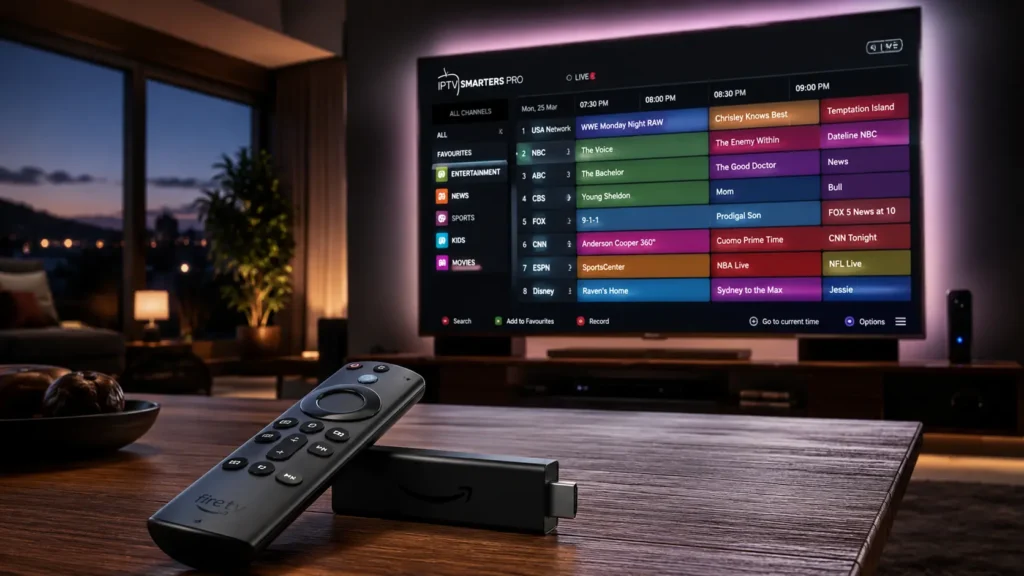
If you want to learn how to setup IPTV on Firestick, you’re in the right place. Firestick is one of the most popular streaming devices because it’s affordable, fast, and easy to use. With an IPTV player and your IPTV subscription, you can start watching live TV, movies, and series in just a few minutes.
This guide explains the complete Firestick IPTV Setup process in simple steps.
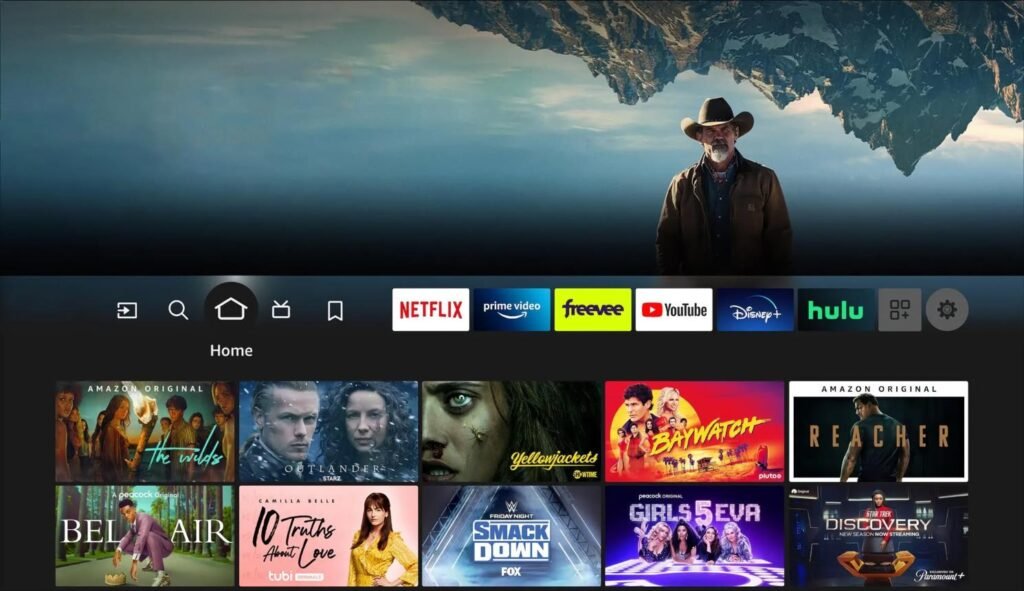
What You Need Before You Start
Before installing IPTV on Firestick, make sure you have:
- An Amazon Fire TV Stick or Fire Stick 4K.
- A stable internet connection.
- An active IPTV subscription.
- An IPTV player app.
- Your IPTV login details (M3U URL or Xtream Codes).
Step 1: Connect Your Firestick
First, plug your Firestick into your TV and connect it to Wi-Fi.
Once connected:
- Open Settings.
- Select Network.
- Connect to your Wi-Fi network.
A strong internet connection helps prevent buffering.
Step 2: Install an IPTV App on Firestick
Step 2: Install an IPTV App on Firestick
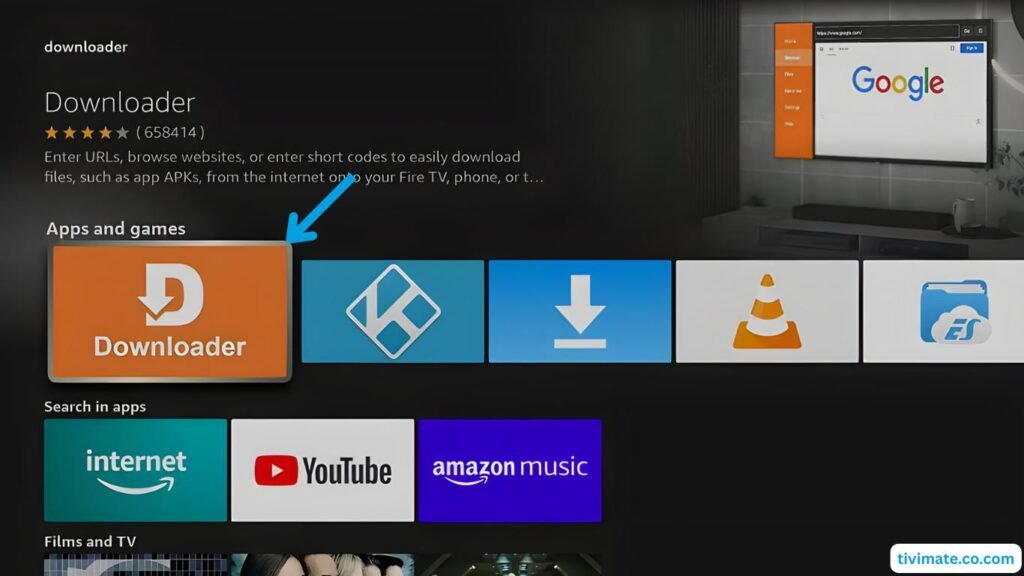
To complete your IPTV Firestick setup, you’ll need an IPTV player.
Popular options include:
Choose the IPTV app Firestick users prefer based on your subscription provider’s recommendations.
Step 3: Add Your IPTV Subscription
Open your IPTV player and enter the credentials provided by your IPTV service.
Most providers offer one of these options:
- M3U Playlist URL
- Xtream Codes Login
- Portal URL
Enter the information carefully, then save your settings.
Step 4: Wait for Channels to Load
The app will download:
- Live TV channels
- Movies
- TV series
- Electronic Program Guide (EPG), if available
Depending on your internet speed, this usually takes a few minutes.
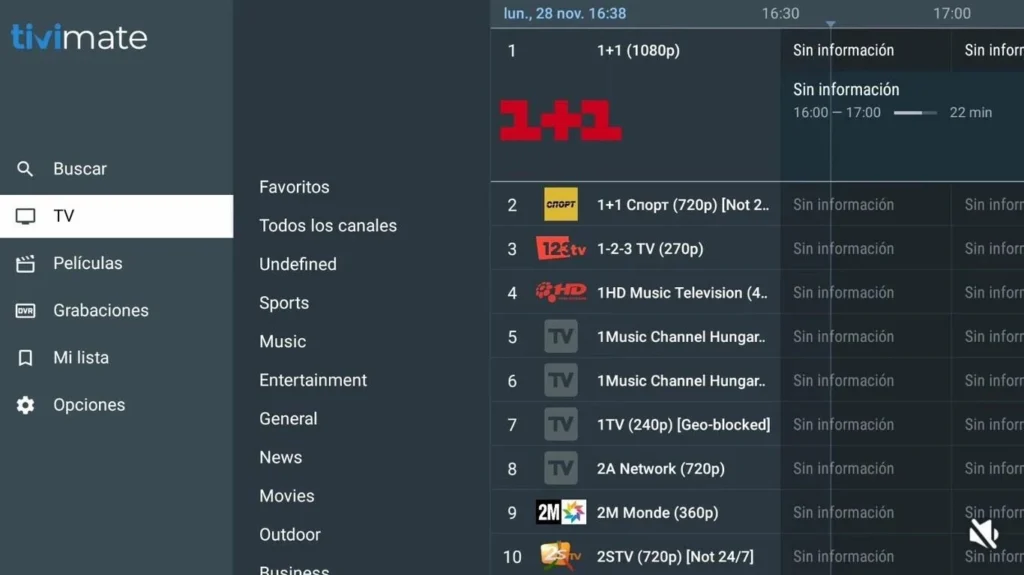
Fire Stick 4K Setup IPTV Tips
If you’re using a Fire Stick 4K setup IPTV, you’ll get the best experience by:
- Using a 5 GHz Wi-Fi connection.
- Keeping your Firestick updated.
- Restarting the device occasionally.
- Closing unused apps.
- Using Ethernet with an adapter if possible.
Troubleshooting IPTV Setup on Firestick
If channels don’t load:
- Check your internet connection.
- Verify your IPTV login information.
- Restart the IPTV app.
- Restart your Firestick.
- Contact your IPTV provider if your subscription has expired.
Frequently Asked Questions
Can I setup IPTV on Firestick without Downloader?
Yes. If the IPTV app is available in the Amazon Appstore, you can install it directly. Otherwise, your provider may recommend another installation method.
Which IPTV app is best for Firestick?
Many users choose:
- TiviMate
- IPTV Smarters
- Sparkle TV
- XCIPTV
The best choice depends on your IPTV provider.
Does IPTV work on Fire Stick 4K?
Yes. The Fire Stick 4K setup IPTV process is almost identical to other Fire TV devices, with the added benefit of better performance.
Final Thoughts
Learning how to setup IPTV on Firestick is straightforward. Once you’ve installed a compatible IPTV player, entered your subscription details, and connected to a stable internet connection, you’ll be ready to stream your favorite content.
Whether you’re completing your first Firestick IPTV Setup, looking for the best IPTV app Firestick users recommend, or installing IPTV on Firestick for a Fire Stick 4K, the steps above will help you get started quickly.


